Work, communication, and making material have all changed in big ways. “Camera-on” expectations ruled the virtual world for years, creating “Zoom fatigue”—the wearing sensation of always being watched, judged, and pressured to present a professional image, no matter what you were doing or how you felt. It took us hours to fix our hair, find the right lighting, and think about the background, and it was only for a short meeting.
What if, though, you could look great and be fully involved in every video call without ever having to turn on your real webcam?
This cutting-edge AI tool is completely changing the way professionals talk to each other online. There’s a new tool that changes the game: it makes a very realistic “digital double” of you, an AI avatar that can speak for you in real-time video calls, content creation, and live streams. Imagine having the freedom to join an important client meeting while walking your dog or making dinner, and your digital self would still look professional and make perfect eye contact. So says Pickle AI, and it’s an idea that should be looked into in more detail.
What Is Pickle AI?
Pickle AI is a new piece of software that acts as your personal, very real digital stand-in for online conversation. A short video of you is used by the platform to turn it into a lifelike avatar, or clone that perfectly copies your unique facial features, expressions, and even small habits.
Your AI Self takes the place of your live video feed when you use Pickle AI in a video call. The avatar’s lips move in sync with your voice in real time as you talk, making it look like you are actively participating with the camera on you. Because you don’t have to be in front of a camera, this technology lets you keep your polished, professional, and consistent visual appearance across platforms like Zoom, Google Meet, and others.
Imagine having a version of yourself that is always ready, well-lit, and well-dressed that is available 24 hours a day, seven days a week. It’s a beautiful way to deal with the problem of managing your real presence in a world that is becoming more and more virtual.
Key Features
Pickle AI has a lot of advanced features that are meant to make the digital stand-in experience feel real and smooth. Its usefulness is defined by these five main features:
Real-Times Li Sync & Voice-To-Movement
- The technology instantly analyzes your spoken audio and syncs the avatar’s lip movements and small facial emotions with very little delay.
- This creates a very real and believable virtual presence that makes it look like you are live on camera and fully involved.
Hyper-Realistic AI Self Creation
- The platform makes a unique, personalized AI Self after a quick, one-time setup that usually includes a short face scan and video training.
- This is not a cartoon or a generic figure; it is a digital double that was made to look just like you.
- This keeps your online identity uniform and easy to spot.
Cross-Platform Integration through Virtual Camera
- Pickle AI is made to work with as many devices as possible.
- It adds a virtual feed called “Pickle Camera” to your computer, which can then be used as a video source in almost all major video chat or streaming programs.
- You can easily use your AI Self wherever you need to be thanks to this seamless connection.
Customizable Digital Appearance
- You can change and edit your AI Self to always look your best.
- Users can change things about their digital double, such as their clothes, scenery, and even their overall style.
- This feature makes you look instantly professional, even if you’re in your pajamas behind the scenes, and it helps you keep your brand’s image uniform.
Advanced Privacy and Security Protocols
- Pickle AI uses strong security measures because it knows that facial and voice data is private.
- This includes separate processing areas and layer-level encryption, which gives you peace of mind that your unique biometric data is safe and won’t be kept for long periods of time, stopping anyone from using it without your permission.
Why This Is Useful: It Solves Problems
Pickle AI steps in to fix a number of problems that have come up because more people are working from home or in a mixed setting.
- Problem: You always have to get ready for last-minute video talks.
Solution: Your AI Self is always ready to go, so you can have a polished on-screen appearance right away.
- Problem: I get “Zoom Fatigue” all the time from having to be clearly “on” all the time.
Solution: It makes your mind less tired by letting you focus on the talk instead of how you look on camera.
- Problem: Doing a lot of different things at once while in important meetings where you can’t see anyone.
Solution: You can do more than one thing at once, like check your emails or take notes, while your avatar keeps the visual interest up for you.
- Problem: When you join a call from home or on the go, you might not have privacy or see a background that doesn’t look official.
Solution: The avatar’s look is controlled and constant, so you don’t have to worry about how you look or where you are in real life.
- Problem: The need for a high-quality visual brand that is the same on all digital platforms.
Solution: For all business video chats, Your AI Self provides a trustworthy and well-groomed digital identity.
Related Post
If you want to explore the 10+ best AI tools for digital marketing that will make your efforts go through the roof, Read This: Digital Marketing Tools
Who Can Use Pickle AI
Pickle AI is very useful in many business and personal situations because it can be used in many different ways.
Remote Professionals and Executives
- They can join calls from anywhere without letting their professional or clean image slip.
- It gives high-level people a way to cut down on screen time while still keeping important visual contact.
Content Creators and Live Streamers
- The platform lets them keep up a consistent, high-energy visual presence during long streaming events without getting tired.
- It gives you a way to quickly make professional video clips and material that fits your brand.
Sales and Customer Success Teams
- It can help sales reps look more focused and sharp during important pitch meetings, which can help them build trust.
- Customer success managers can use it to make back-to-back virtual check-ins less stressful, which will improve the health and stability of their teams.
Educators and Trainers
- It makes it possible to make high-quality, interesting video lessons and training modules that are personalized more quickly than with older methods.
- It can help teachers keep a steady, interesting picture for virtual office hours, even while they do other things.
People who are worried about privacy or who are afraid of cameras
- Users who don’t want to share their real-time position or appearance can still fully participate without giving away their privacy.
- It makes it easy for people who are shy around cameras to engage visually without feeling awkward.
Price Plans
Pickle AI usually has a tiered subscription plan for different levels of use. This gives people, teams, and businesses that want to use Pickle AI a lot of options. Things like prices and names can change, but here’s how things usually work:
Pros & Cons
✅ Pros
- Show up to any meeting looking great without having to do anything on your body.
- It makes being on camera all the time a lot less draining on the mind and emotions.
- Makes sure that your brand has a clean, high-quality look in all of your online interactions.
- The smooth lip-syncing makes the experience more like a game than just a picture.
- Allows active participation while letting the user work on other important jobs at the same time.
❌ Cons
- Using an avatar at work may be seen as less honest or open by some.
- The software may only be offered for a certain operating system at this time, like macOS, which limits who can use it.
- Making the hyper-realistic clone takes a lot of time and film training.
- As with any AI, lip-syncing may occasionally be a little off or take a little longer than expected.
- The strong features come at a price that may be too high for occasional or light users.
How to Use Pickle AI- Step by Step
Starting up with your digital double is a simple, straight-forward process that makes the power of Pickle AI available right away.
Step 1: Set Up Your Pickle AI & Account.
- Go to the main Pickle AI website and pick the subscription plan you want.
- Get the specialized software app and put it on a device that works with it.
- To start making your AI self, sign up for an account or log in to your existing one.
Step 2: Make Your AI Self (The Training Phase).
- You’ll be asked to do a quick face scan and make a short, about five-minute video of yourself talking normally by the app. This video is very important for the AI to learn your unique facial traits, expressions, and speech patterns.
- After that, the AI will go through a training phase that usually takes one or two days to make your unique, very realistic digital double.
Step 3: Changes & Customizations
- Go to the customization page once your AI Self is ready.
- You can pick the avatar’s basic outfit, a professional or brand-related background, and fine-tune the picture settings here. This step makes sure that your AI Self always looks and dresses the way you want it to.
Step 4: Put The Pickle Camera To Work.
- Open the Pickle AI app before you join any video call site, like Zoom, Meet, etc.
- Choose the “Pickle Camera” as your main video input device in the settings menu of your video conferencing software instead of your camera.
Step 5: Show Your Digital Double The World.
- Come to your meeting. When you talk, your AI Self will show up on the screen and lip-sync and copy your facial expressions in real time.
- You can now fully join in the conversation without being limited by the physical camera. You can do this knowing that your digital double is still there.
Alternatives Tools
Pickle AI is great at making a real-time visual stand-in, but there are other tools that are better at managing AI-powered virtual meetings in different ways.
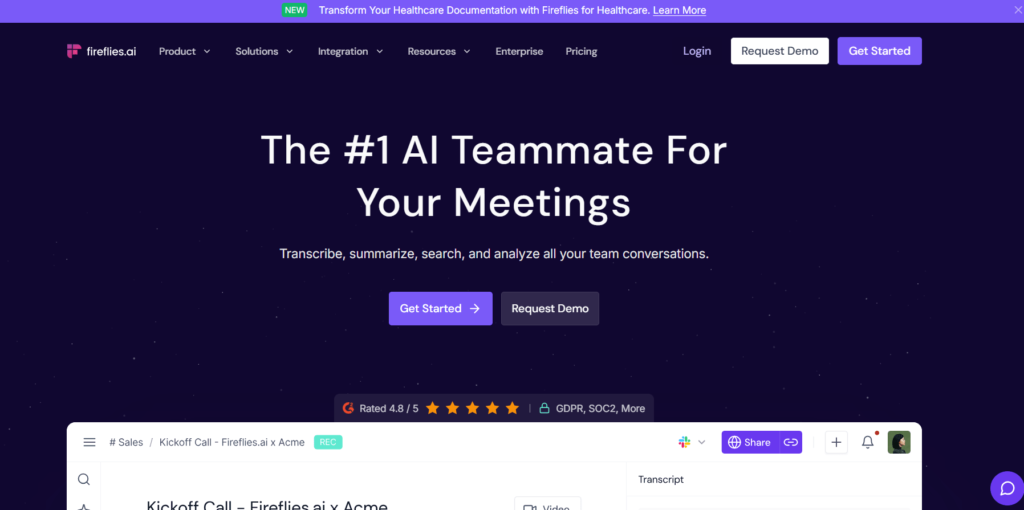
The Fireflies.ai Voice talks can be recorded, typed up, and searched through by an AI that takes notes.
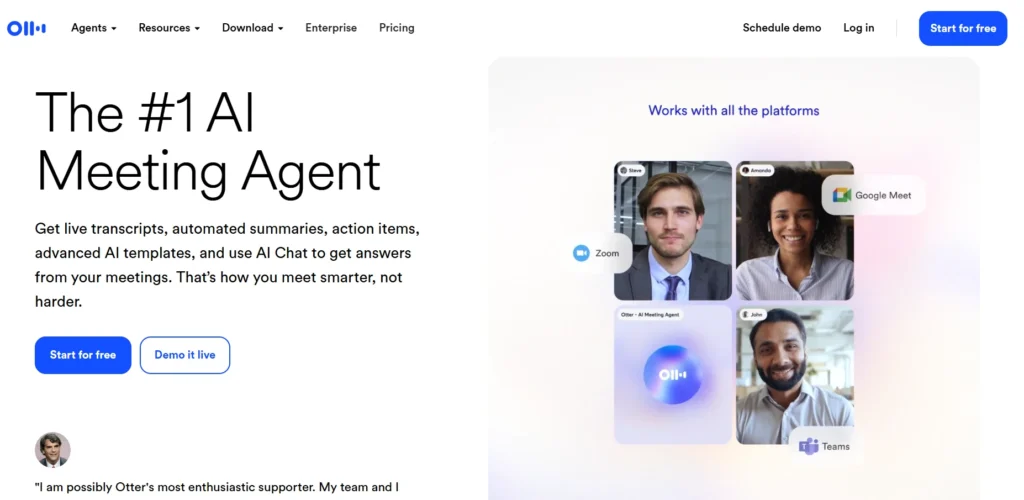
Otter.ai An all-in-one AI meeting helper that can live-transcribe, take notes automatically, and write up summaries.
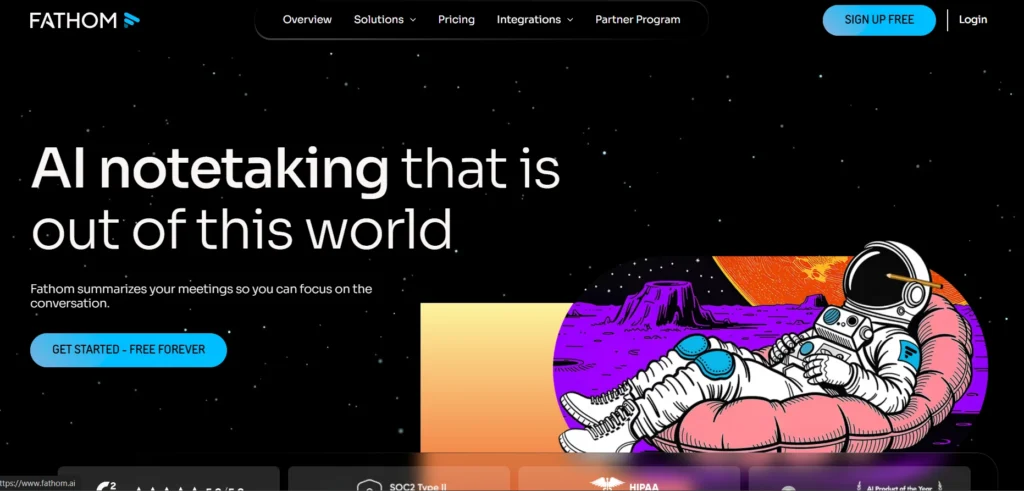
Farther This is an AI meeting assistant that records, highlights, and instantly sums up calls to popular CRMs.
Conclusion
The world of virtual conversation has been waiting for something like Pickle AI to come along. For workers today who have to be online all the time, it’s more than just a cool novelty. It’s a useful and powerful tool. Pickle AI gives you a fully customizable, incredibly realistic digital double that can take your place perfectly, so you can fight tiredness, boost productivity, and keep up a perfect professional image no matter where you are or how ready you are.
In the future of professional video communication, you won’t have to be ready for the camera all the time; instead, you’ll be able to use your best digital self without any problems. Now is the time to get Pickle AI if you want to change your virtual work-life balance and improve your online profile. The focus shifts from how you look to having real, important conversations. This is a big change that will make you look like the ultimate professional at all times
Frequent Ask Questions
What are the alternatives to Pickle AI?
A lot of other options are AI meeting helpers that do transcription and summarization, like Fathom, Fireflies.ai, and Otter.ai. They are in charge of the meeting’s topic, while Pickle AI is in charge of your visual presence.
Is Pickle AI free to use?
Pickle AI usually has a free trial or a basic plan with restricted features or usage minutes. However, most professionals need to pay a monthly or yearly subscription to get all of Pickle AI’s features and use it a lot.
What does Pickle AI do?
Pickle AI makes a digital double of a person that is very realistic and can be changed. During video calls (like Zoom or Meet), this avatar takes the place of the user’s live camera feed and lip-syncs to the user’s words in real time. This lets the user participate visually without using a camera.
Who created Pickle AI?
The tech company is made up of creative developers who are working on generative AI and virtual conversation together to make people less tired of technology. On their public platforms, you can find specific information about the founding people.
Thank you for reading this article. I hope this article helps you a lot, and you won’t have to search again for Pickle AI on the internet.