
TechBoundry

By Etan Walker

copilot Updates,copilot,Copilot Updates, Copilot,copilot, copilot ai, ms copilot, copilot pc, copilot app, copilot use, new copilot, copilot pro, copilot demo, word copilot, m365 copilot, copilot tips, copilot chat, copilot gpt5, copilot free, copilot cost, excel copilot, teams copilot, copilot hacks, email copilot, copilot gpt-5, copilot setup, copilot excel, copilot wave 2, copilot how to, how to copilot, copilot coach, copilot plus pc, copilot mobile, copilot github, copilot in word, copilot studio, copilot vscode, copilot agents, copilot kya hai, copilot review,copilot updates 2025, copilot chat updates, copilot app updates, copilot update, copilot latest update, microsoft 365 copilot 2025 updates, microsoft copilot update, copilot features, copilot create, copilot, updates, copilot chat, copilot app features, new copilot features, copilot new features, copilot excel, teams copilot, copilot pages, copilot features 2025, 7 new copilot features, copilot chat features, copilot ai, copilot create app, ms copilot, ai updates, copilot pc, new features in copilot,copilot news, m365 copilot news, copilot latest news, copilot studio news, microsoft copilot news, microsoft 365 copilot news, copilot, copilot new update, copilot new release, copilot ai, copilot new features, ai copilot, copilot pro, dlp copilot, copilot 365, new copilot updates, copilot in excel, copilot chat, copilot gpt5, copilot free, edge copilot, m365 copilot, copilot tips, copilot cost, new copilot features, 7 new copilot features, copilot gpt-5, gpt-5 copilot, copilot wave 2, copilot setup, copilot pages,
Copilot Updates

Microsoft’s Copilot app on Windows 11 just got a massive upgrade, transforming it into a true all-in-one productivity hub. With new capabilities to create Office 365 documents and connect seamlessly with Gmail and Google Calendar, Copilot is now more powerful and versatile than ever.

Table of Contents

Copilot Update

Microsoft has started rolling out an exciting new update for the Copilot app on Windows 11. This release introduces two major upgrades,  Connectors and Document Creation,  that expand how users interact with their personal and professional tools.

Currently, the update is being tested through the Windows Insider Program (version 1.25095.161.0 and above) before it reaches general users. So, if you don’t see it yet, it should arrive soon.
One Dashboard for Everything

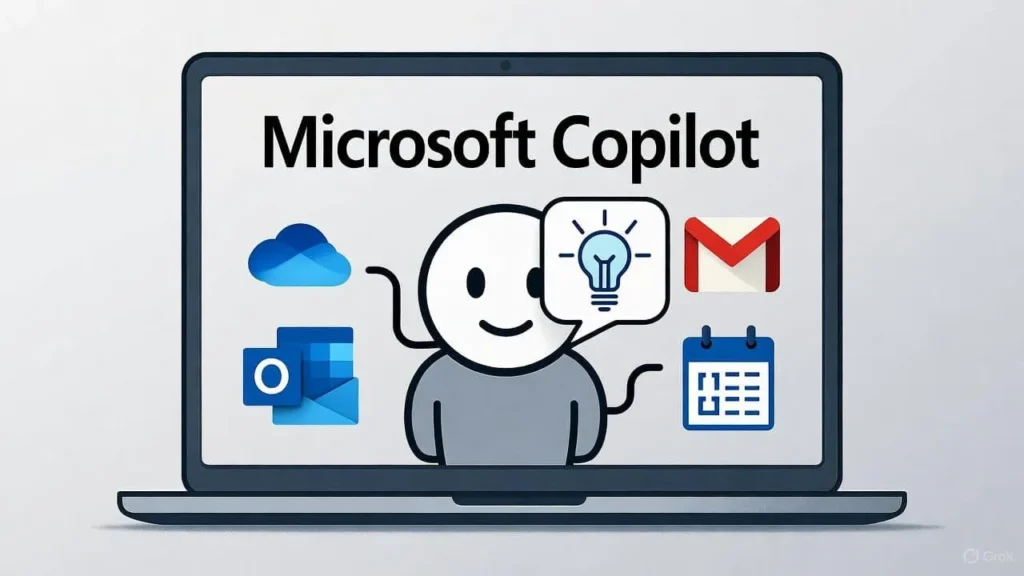
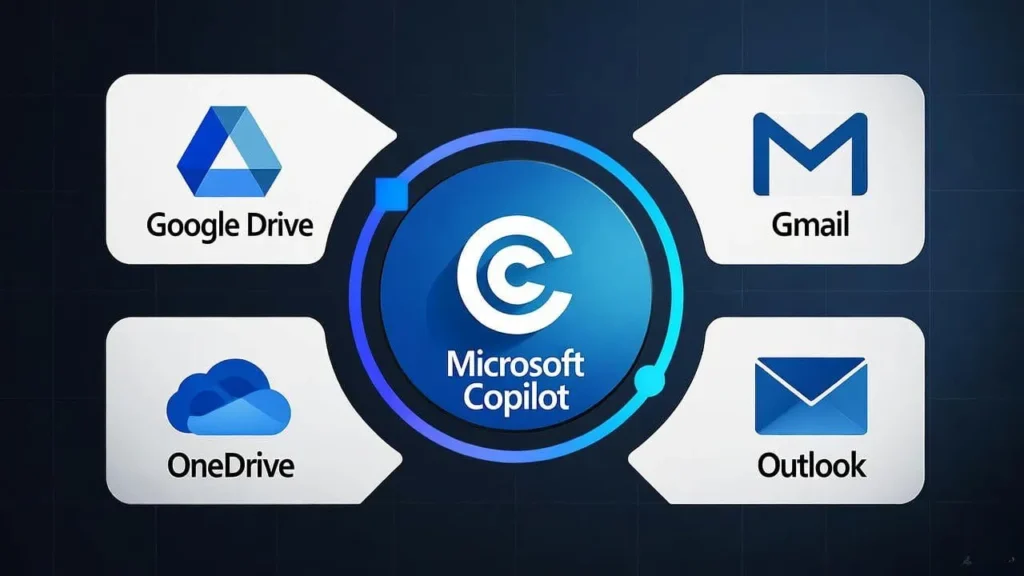
The new Connectors feature allows Copilot to sync with both Microsoft and third-party apps. Users can now link services like OneDrive, Outlook (including emails, calendars, and contacts), Google Drive, Gmail, Google Calendar, and Google Contacts directly to Copilot.

This means you can ask Copilot to pull information from multiple platforms using natural language — no more switching between tabs or apps. Imagine asking, “Show me my next meeting from Google Calendar” or “Find the last file I shared on OneDrive” — and getting instant answers.

To enable this, head to Settings, Connectors inside the Copilot app, and select the services you want to integrate.

Create and Export Office 365 Documents Instantly

Beyond connectivity, Copilot now lets you create professional Office 365 documents with a single command. Whether it’s a Word document, Excel spreadsheet, PowerPoint presentation, or PDF, Copilot can generate and export them instantly.

Microsoft explains that “with just a prompt, you can turn ideas, notes, and data into shareable, editable documents — no extra tools required.” For longer responses (over 600 characters), Copilot even includes an export button that sends your text directly to Word, PowerPoint, Excel, or PDF format.

This new functionality makes Copilot a creative powerhouse — perfect for professionals, students, and business users looking to speed up their workflows.
copilot Updates,copilot,Copilot Updates, Copilot,copilot, copilot ai, ms copilot, copilot pc, copilot app, copilot use, new copilot, copilot pro, copilot demo, word copilot, m365 copilot, copilot tips, copilot chat, copilot gpt5, copilot free, copilot cost, excel copilot, teams copilot, copilot hacks, email copilot, copilot gpt-5, copilot setup, copilot excel, copilot wave 2, copilot how to, how to copilot, copilot coach, copilot plus pc, copilot mobile, copilot github, copilot in word, copilot studio, copilot vscode, copilot agents, copilot kya hai, copilot review,copilot updates 2025, copilot chat updates, copilot app updates, copilot update, copilot latest update, microsoft 365 copilot 2025 updates, microsoft copilot update, copilot features, copilot create, copilot, updates, copilot chat, copilot app features, new copilot features, copilot new features, copilot excel, teams copilot, copilot pages, copilot features 2025, 7 new copilot features, copilot chat features, copilot ai, copilot create app, ms copilot, ai updates, copilot pc, new features in copilot,copilot news, m365 copilot news, copilot latest news, copilot studio news, microsoft copilot news, microsoft 365 copilot news, copilot, copilot new update, copilot new release, copilot ai, copilot new features, ai copilot, copilot pro, dlp copilot, copilot 365, new copilot updates, copilot in excel, copilot chat, copilot gpt5, copilot free, edge copilot, m365 copilot, copilot tips, copilot cost, new copilot features, 7 new copilot features, copilot gpt-5, gpt-5 copilot, copilot wave 2, copilot setup, copilot pages,

Building a Unified Windows 11 Productivity Ecosystem

This update aligns with Microsoft’s broader vision of creating a seamless Windows 11 productivity ecosystem. Recently, the company updated Word to save new documents directly to OneDrive by default (when autosave is turned on), a move that sparked debates about privacy and local file storage.

Looking ahead, Microsoft is also preparing a revamped OneDrive app for Windows 11, designed with a cleaner, more modern interface that simplifies file access and photo editing.

Conclusion

With its latest update, Microsoft Copilot is evolving beyond just an AI assistant — it’s becoming a central productivity hub for Windows 11 users. By connecting your Microsoft and Google accounts and adding the power to instantly create and export Office 365 files, Copilot is redefining what it means to work smarter in today’s hybrid digital world.

Related Post

If you want to make your Daily tasks easy with AI, then also explore this, Make Life Easier

Scroll to Top