A lot of new advanced AI tools, like ChatGPT, Gemini, and Claude, have completely changed the way we learn. An amazing 92% of students are using AI in some way, and 18% of them are using AI-generated writing directly in their assignments. This is a new problem for teachers who want to keep the standards of academic honesty. The issue of “how do teachers check for AI” has become very important as the lines between human-made and machine-made material become less clear. It’s no longer just about copying from websites; it’s also about making sure that a student’s original work and thinking process are real. There is good news: the tools to find AI use have changed along with it. Teachers have more and more tools at their disposal, such as advanced algorithms that look for patterns in language and integrated platforms that keep track of when a paper was created.
This article will tell you everything you need to know about the best AI detection tools on the market in 2025 by going over 12 popular choices in great depth. We’ll talk about their main features, their pros and cons, and most importantly, how they can help you keep the classroom fair and honest.
Why It's Useful: How Do Teachers Check For AI with Academic Honesty
The best thing about using AI recognition tools is that they help keep academic honesty. These tools help teachers make sure that the work students turn in really shows how much they’ve learned and how hard they’ve worked. This is very important for many reasons:
- Fairness: When some students use AI to do their homework, it gives them an unfair edge over other students who do the work by hand. AI monitors help make things fair for everyone.
- Evaluation of Learning: A student’s work shows how well they understand a subject. A teacher can’t really tell what a student has learned if they aren’t sure that the work is their own.
- Skill Development: Students need to do study, think critically, and write in order to grow intellectually. Depending too much on AI skips this step, which makes it harder to learn important skills.
- Help and advice: AI identification isn’t just for finding cheaters. It can also be the start of a deep talk. A report that points out a student’s work can start a conversation about how to use AI and new tools in an acceptable way as a learning tool instead of a replacement for work.
- Early Intervention: Because teachers can see trends in how students use AI, they can step in early and help students improve their writing and critical thinking skills.
Besides certain tools, there are other options to think about. The built-in “Version History” tool can help you answer the question “How do teachers check for AI on Google Docs?” A document that was written by a person will have a history of small changes, edits, and updates. On the other hand, an AI-generated piece might look like a big block of text that was pasted together all at once. This is a simple, free way that can give you a good first impression.
How Do Teachers Check For AI Assignment - 12 Best AI Tools
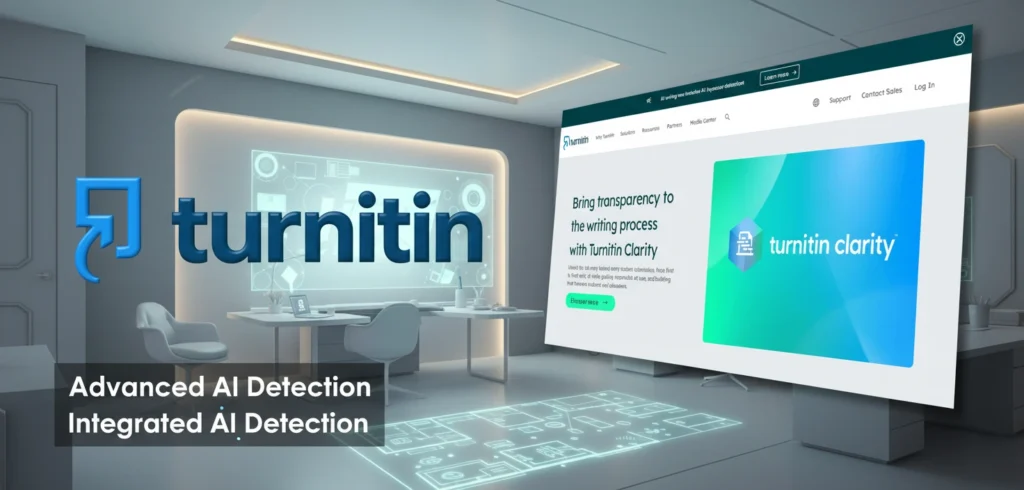
1. Turnitin
Brief Introduction:
Turnitin has been a leader in finding plagiarism for a long time, and now it has added an AI writing detector that works smoothly with its main platform. It is already required at many universities, and its AI detection feature makes it the best choice for schools that want to keep their integrity system constant.
Key Features:
- Integrated AI Detection: The AI detection is part of the regular Turnitin workflow, so you don’t need to use a different account or platform.
- Detection of AI Bypassers: The 2025 update can now find text that has been changed by AI bypassers. These are tools that make AI text sound more “human” so that it can’t be found.
- Better Reporting: You can see the AI score in the same originality report, which lets you see both copied material and content made by AI.
- Large-Scale Support: New tools make it easier to run big classes with thousands of students.
Who Can Use It:
- Mostly universities and other academic groups that already pay for Turnitin.
- It’s an enterprise-level tool that most teachers can’t get on their own.
✅ Pros
- Very accurate and a standard in the business that people trust.
- Easily incorporated into a well-known website.
- Finds trickery by advanced AI.
❌ Cons
- It’s pricey because you need an academic license to use it.
- Not available for use by one person.
- Results should be used as a guide, not as proof that wrongdoing happened.
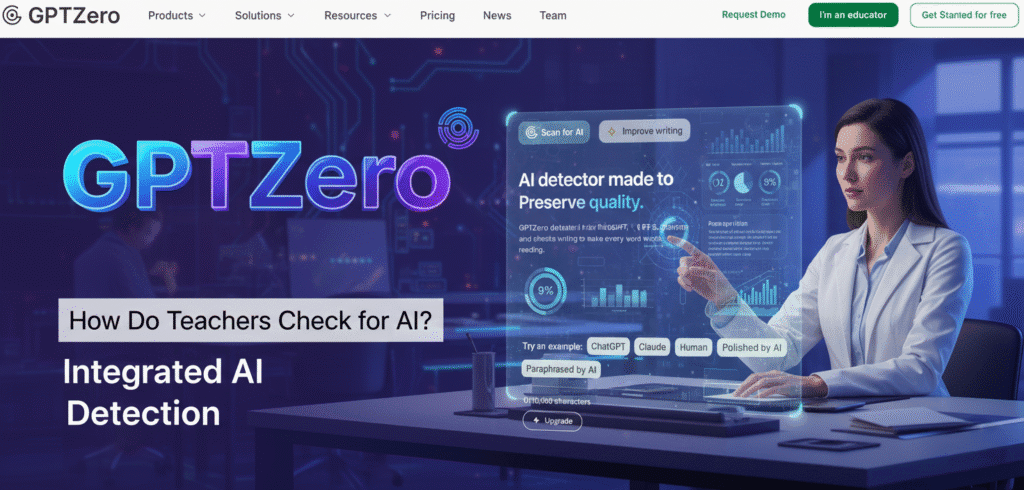
2. GPTZero
Brief Introduction:
GPTZero is one of the best-known AI trackers, and it was made with teachers in mind. It’s a good way to quickly check student work for text that was made by AI.
Key Features
- These are the Perplexity and Burstiness Scores that GPTZero uses to look at text.
- Perplexity is a measure of how reliable the text is, and burstiness is a measure of how different the sentence structures are.
- Most of the time, human writing gets good marks for both.
- You can check small texts (up to 5,000 characters) for free.
- It can identify things in English, French, and Spanish, among other languages.
Who Can Use It:
- It can be used by students and teachers from K–12 to college.
- It is easy to use and has a free level for simple tasks.
✅ Pros
- A lot of accuracy, especially with AI content that hasn’t been changed (up to 98% in some tests).
- It’s simple to use and has a clear layout.
- Offers detailed research at the sentence level.
❌ Cons
- It’s less accurate to use AI material that has been heavily edited or paraphrased.
- Can sometimes give false results when people write in a very formulaic or structured way.
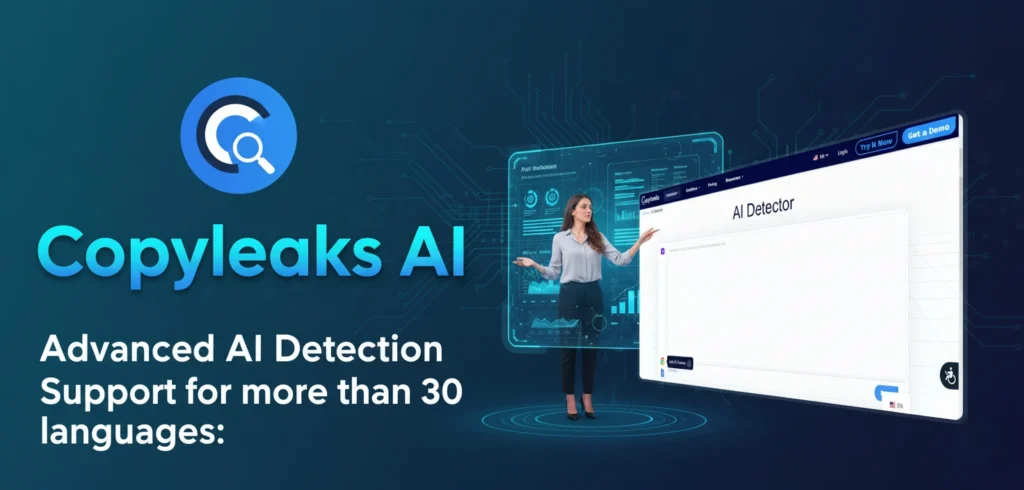
3. Copyleaks
Brief Introduction:
Copyleaks is a tool that can be used for two things: it can find copying and it can also use AI to find it. Businesses and academic schools both trust it because of how accurate and clear its reports are.
Key features:
- Combination Detection: It shows both AI-generated text and real theft in the same report.
- Support for more than 30 languages: It can find AI material in a wide range of academic settings, making it a useful tool for many situations.
- AI Logic: This feature makes it clear why a piece of content was flagged by giving a full breakdown of the data patterns that were found.
- API Integration: It can be connected to many Learning Management Systems (LMS), such as Moodle and Canvas.
Who Can Use It:
- It can be used by businesses, schools, and people who make material.
- It works for a wide range of users who need to be sure that material is real.
✅ Pros
- Very high accuracy,
- Independent studies often rank it as the most accurate.
- Full reports with easy-to-understand answers.
- Many languages can be used.
❌ Cons
- For full benefits, you need to pay for a subscription.
- The data should be used to help make a choice, not as the only thing that matters.
4. Originality.AI
Brief Introduction:
Originality.AI is a tool that was made to fight the rise of content that was made by AI. Professionals in academia and publishing love it because it is focused on accuracy and can find even paraphrased AI material.
Key Features:
- High Accuracy: It says it can match 99% of major AI models, such as GPT-4o, Claude 3, and ChatGPT.
- Theft and Paraphrase Detection: This is the only tool that can find “paraphrase plagiarism,” which happens when a student uses a tool to rewrite text written by a person or an AI.
- Team Management: It has tools for adding and controlling multiple users, so it’s good for institutions or departments.
- Readability Score: This is an extra way to measure how good the writing is.
Who Can Use It:
- Teachers, Academic Organizations, and Content Publishers.
- Its pricing is based on credits, which means it can be used for both small and big groups.
✅ Pros
- One of the best scanners on the market, especially for AI that has been paraphrased.
- AI and checks for copying are both built into one platform.
- A low number of fake positives.
❌ Cons
- There is no free tier; you have to pay for it.
- When making a budget, the credit-based method might not be as reliable.
5. Scribbr
Brief Introduction:
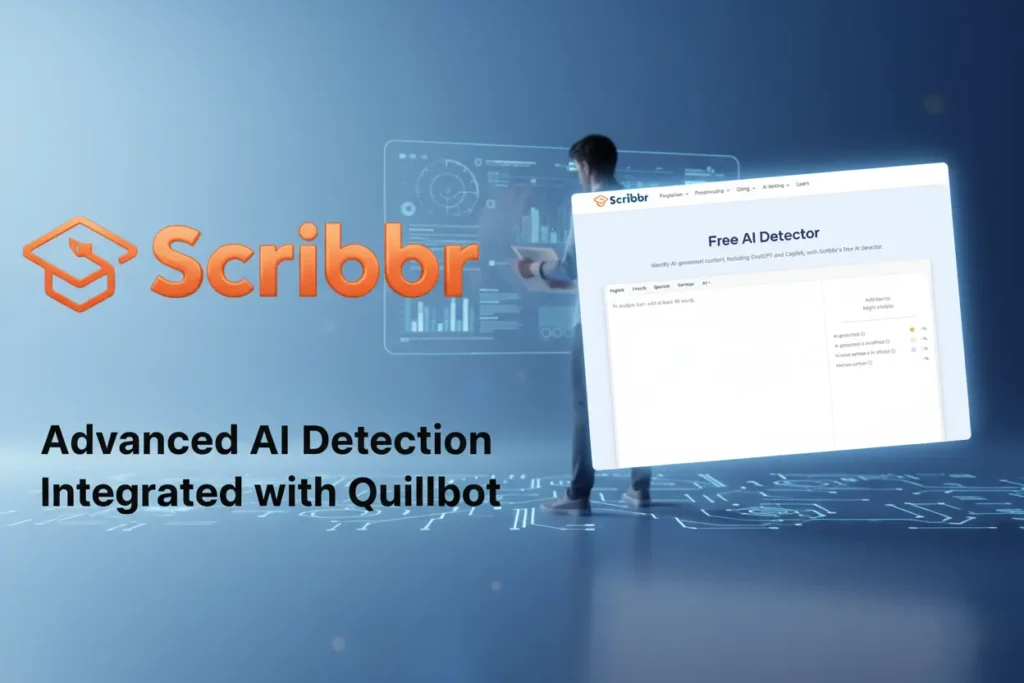
While Scribbr was first known for its editing services, it has since added an AI checker to its list of services. It’s a straightforward tool made to help students and teachers make sure material is real.
Key features:
- Style Analysis: The tool looks at text to find formulaic sentence patterns and statistical word choices that are common in text made by AI.
- Integrated with Quillbot: Scribbr’s detector is driven by Quillbot’s AI detection technology, so it’s the same for users.
- Part of a Bigger Suite: It’s part of a platform that also has a reference generator and human proofreading.
Who Can Use It:
- It can be used by students and teachers who already use Scribbr for other school work.
- It works best for simple checks.
✅ Pros
- It’s simple to use and works with a well-known academic tool.
❌ Cons
- Not as accurate as other specialized tools (about 80% accuracy in tests).
- It is known that this test could give more false results.
6. Grammarly
Brief Introduction:
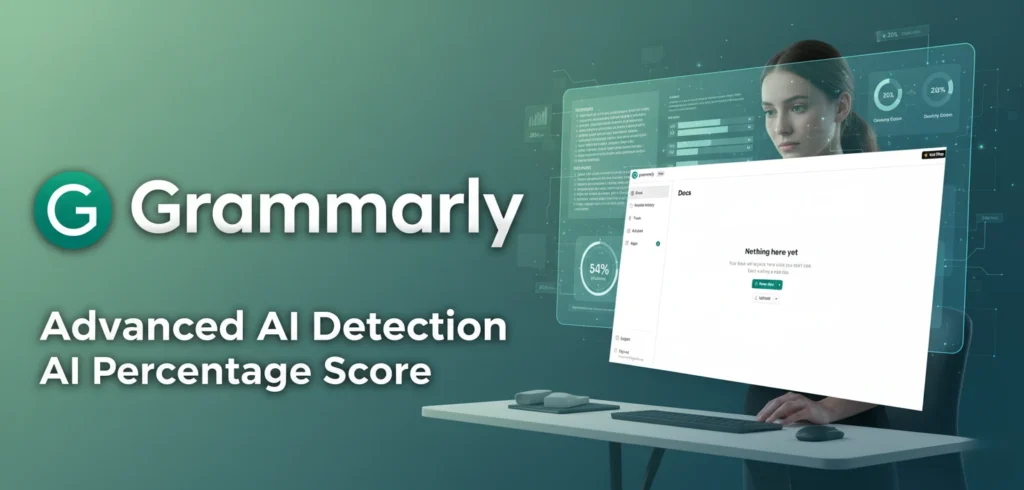
Grammarly is a well-known tool for helping with grammar and writing. It now has an AI detection feature that can be used to check for academic ethics. It gives teachers a number score to help them grade student work.
Key Features:
- AI Percentage Score: This score makes it clear how likely it is that the text was written by an AI.
- Authorship Tracking: “Grammarly Authorship” lets you keep track of where a paper came from, which is helpful for teachers who use Google Docs.
- Part of a Suite: It’s part of a bigger platform that has a citation generator, spelling checkers, and tools for finding plagiarism.
Who Can Use It:
- People and businesses that have signed up for Grammarly’s premium or business plans can use it.
✅ Pros
- Easy for people who already know how to use Grammarly.
- Along with standard writing feedback, it gives helpful insights.
- Encourages figuring out what the results mean instead of making a firm decision.
❌ Cons
- AI detection is an extra function that might not work as well or as completely as tools that are made just for that purpose.
- The free version might not let you use the AI analyzer at all or only partially.
7. Quetext
Brief Introduction:
Quetext is another well-known company that has moved into AI to help find plagiarism. To give a high level of confidence, its AI detector looks at the whole thing and each sentence separately.
Key Features:
- Credibility Scoring: Gives a score that shows how likely it is that material was written by a person or by AI.
- Linguistic Insights: It looks at sentence structure, vocabulary, and other signs of language to find AI trends.
- Built-in Plagiarism: A well-known plagiarism tool works with AI to find copied work.
- Concerned about privacy: Says it won’t keep scanned text, which is a big deal for teachers and kids.
Who Can Use It:
- Schools, Students, and Teachers.
- It has ideas that are designed to be used in schools.
✅ Pros
- A good name for its main tool for checking for copying.
- When you use holistic research, you can be sure of the results.
- Putting privacy first.
❌ Cons
- The free version limits the number of words you can use.
- Accuracy can vary in AI material that has been heavily edited.
8. Plagscan
Brief Description:
Plagscan is a powerful plagiarism checker that now has an AI-powered detecting feature. It’s widely used in schools because it gives detailed results and easily connects to LMS systems.
Key Features:
- AI-Powered Detection: This feature uses complex algorithms to find trends that are common in AI writing.
- LMS Integration: As it works with popular systems such as Moodle and Blackboard, it’s easy for teachers to add it to their current workflow.
- Detailed Similarity Reports: The reports are color-coded and easy to read, and they show where copying and AI content might be found.
Who Can Use It:
- The product is useful for schools and colleges that need a complete way to check for both copying and AI.
✅ Pros
- A well-known name in intellectual honesty.
- Good at finding different kinds of copying and AI use.
- It is easy to connect to learning management systems.
❌ Cons
- AI recognition is a part of a bigger service that people often pay for.
- Can be harder to set up than tools that work on their own.
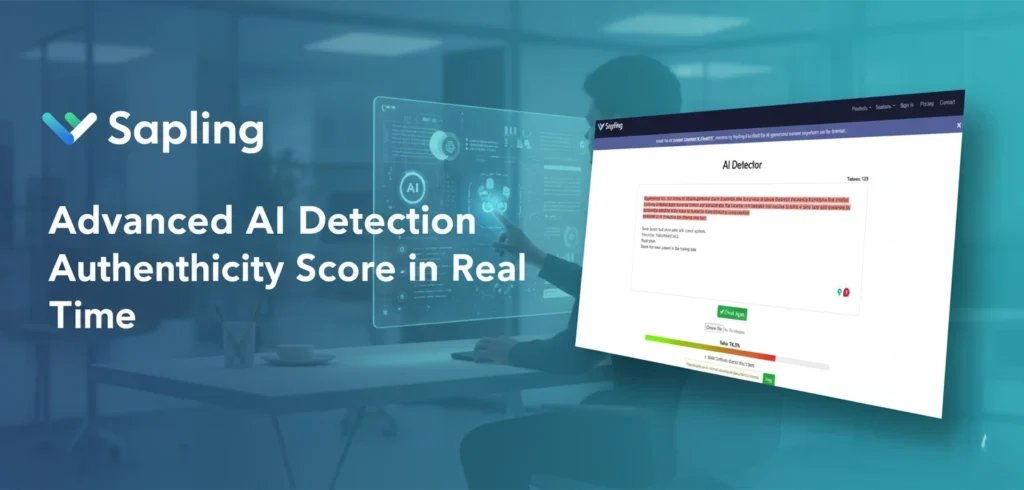
9. Sapling
Brief Introduction:
Sapling is an AI writing helper that also has an AI content detector. Deep learning models are used in this powerful tool to find text patterns that are common in material made by AI.
Key features:
- Authenticity Score in Real Time: Gives a confidence score for authenticity in real time.
- Customizable Thresholds: Users can change how sensitive the recognition is to meet their needs.
- Integration with tools: It can work with a number of different writing tools and web browsers.
Who Can Use It:
- Teachers, businesses, and people who make material. It’s a tool that can be used for many things.
✅ Pros
- Correct and easy to use.
- Allows you to change the experience.
- It’s good for quickly checking short notes.
❌ Cons
- More complicated and detailed writing can lead to less accuracy.
- You have to pay for the best benefits.
10. Content at Scale (Rebranded To BrandWell)
Brief Introduction:
Although the Content at Scale AI detector was made for content marketing at first, it has also been found to be useful for teachers. Its main goal is to find content that has been improved for search engines. This kind of content often follows a clear pattern that looks like it was made by AI.
Key Features:
- High-Speed Batch Processing: It’s quick to scan big amounts of text.
- Customizable Sensitivity: Users can set their own detection limits, which is called “customizable sensitivity.”
- Free and Simple: The online tool lets you do a free basic check and is easy to use.
Who Can Use It:
- It can be used by marketers, companies, and teachers who want to do a quick, simple AI check.
✅ Pros
- Very quickly and well.
- It’s free to use for simple checks.
- It works well to find formulaic, low-quality AI material.
❌ Cons
- It might not be as good at reading complicated, human-like writing.
- Not as well designed for use in school as tools like Turnitin or GPTZero.
11. ZeroGPT
Brief Introduction:
ZeroGPT is a free AI content analyzer that is well-liked for being easy to use and giving quick results. It’s something that teachers and students often use right away to double-check.
Key features:
- Free and Fast: It gives you a simple, free plan for quick and easy checks.
- Multiple Tools: It has other useful tools like a language checker, paraphraser, and summarizer.
- Interface That’s Easy to Use: The interface is clean and simple, which makes it very simple to use.
Who Can Use It:
- It can be used by teachers and students who want to quickly check their AI without having to pay for a membership.
✅ Pros
- Free to use for simple tasks.
- Simple and simple to use.
- Good enough for a first check.
❌ Cons
- An AI text that has been highly edited or “humanized” is less likely to be accurate.
- Ads, which can be annoying, help pay for the website.
12. Writer AI
Brief Introduction:
Writer is an AI writing tool that comes with a free AI content detector. This is a great tool for quickly making sure that text is real.
Key features:
- A high level of accuracy: the Writer AI analyzer has been tested and found to be very good at reading human-written texts (over 95%).
- Free: Its website has a free and easy-to-use tool for finding things.
- Part of a Bigger Platform: Part of a Bigger Platform: It’s a group of tools for making and editing material.
Who Can Use It:
- It can be used by anyone who needs a quick and clean AI check.
- It’s a good choice for a teacher who only needs to look quickly.
✅ Pros
- Free and very accurate, especially when material is written by a person.
- Simple to use; just copy and paste the words.
❌ Cons
- It’s not as good as some competitors at finding text that was written by AI (76% of the time in some tests).
- Some paid AI devices have more features than this one.
What the Future Holds for AI Detection
The way students, teachers, and AI interact with each other will change as time goes on. AI recognition tools aren’t perfect; they’re a technology that’s always changing to keep up with an AI that’s always changing. It won’t just be about making better algorithms in the future of AI spotting; it will also be about taking a broader view of academic honesty.
It’s possible that teachers will teach students how to use AI responsibly instead of just checking for it. This means stressing the importance of critical thinking, original study, and using proper citations. It’s about giving students the tools they need to use AI to learn and be creative, not as an excuse to avoid doing their job.
Combining tools, rules, and conversations will be the best way to get things done. AI devices should not be the only thing that is used to judge a student’s honesty. They can be used to start a conversation. Teachers can get around in this new world by keeping up with the latest technology and focusing on the most important parts of education. This will help make sure that learning stays a human goal.
Frequent Ask Questions
How well do AI devices work?
Most AI detectors say they are very accurate (80–99%), but how well they work relies on how complicated the AI model they use is and whether the text has been changed. They usually work well for raw, AI-generated text that hasn’t been changed, but they can give you wrong results if you paraphrase or edit content.
Does a student know how to get past AI detectors?
Yes, To make the AI-generated writing sound more human and avoid being caught, students can use “AI humanizer” tools or just edit and paraphrase it themselves. Now you know why AI devices should be used to start a conversation and not as a final word.
How do teachers find AI that has copied work?
Software like Turnitin, GPTZero, and Copyleaks are used by teachers to check for AI copying. These tools look at statistical odds and trends in language to see if a text was probably written by an AI model.
Can Turnitin detect AI writing ?
There is an AI writing detection tool built into Turnitin that works with its regular plagiarism checker. Even information that has been changed by “AI bypasser” tools can be found.
How do teachers make sure that Google Docs doesn't use AI?
Google Docs has a “Version History” that teachers can look at. A real document that was written by a person will have a history of small changes and edits, while an AI-generated piece will usually look like a big block of text that was put together all at once.
What if an AI analyzer marks my work as being written by AI when it wasn't?
If your machine-written work gets noticed, it could be because you write in a very formal, formulaic way or because your sentences don’t change much. You should talk to your teacher about it and show them how you drafted the paper (for example, by using Google Docs Version History). This will show that the work is yours.
Are there AI detectors that schools can use for free?
Yes, GPTZero, ZeroGPT, and Writer are just a few of the tools that have free versions or trials. But these free versions often have limits on the number of characters they can use or aren’t as exact as the paid versions.
What is the difference between a plagiarism tool and an AI search engine?
A plagiarism checker looks at a document and compares it to a database of current sources, like websites and academic papers, to see if any of the content is copied or not properly cited. An AI detector looks at a text’s structure, predictability, and unique linguistic trends to see if it was written by a computer.
Thank you for reading this article. I hope this article helps you a lot, and you will have to search again for how do teachers check for AI on the internet.